

Before you start
- The DomDetailer desktop application. Download it here — it is free.
- A DomDetailer API key. Buy credits, or find your key on your account page.
01 Start the application
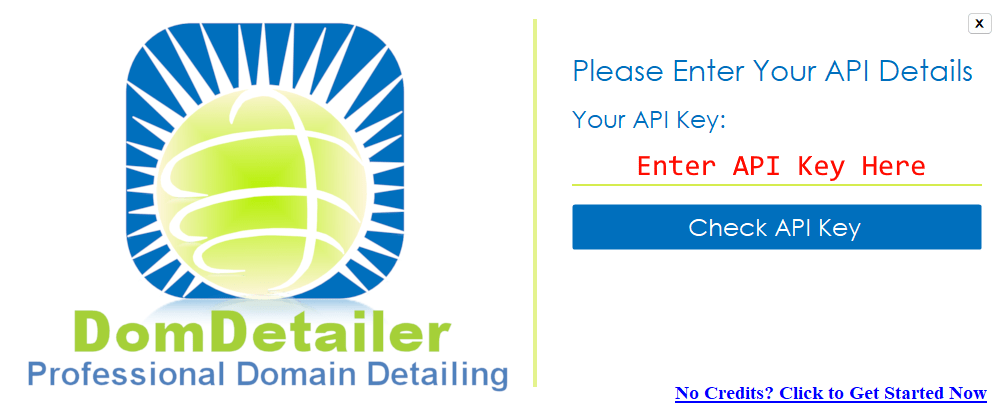
On first run the application asks for your API key straight away. Paste it into the field shown.
02 Check the key
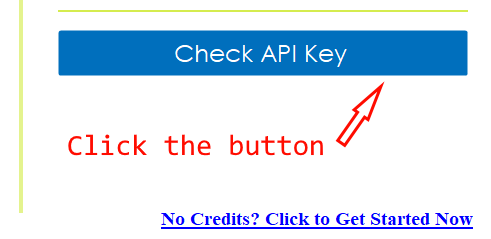
Click Check API Key. The application verifies the key against your account and reads back your remaining balance.
03 Load a domain list
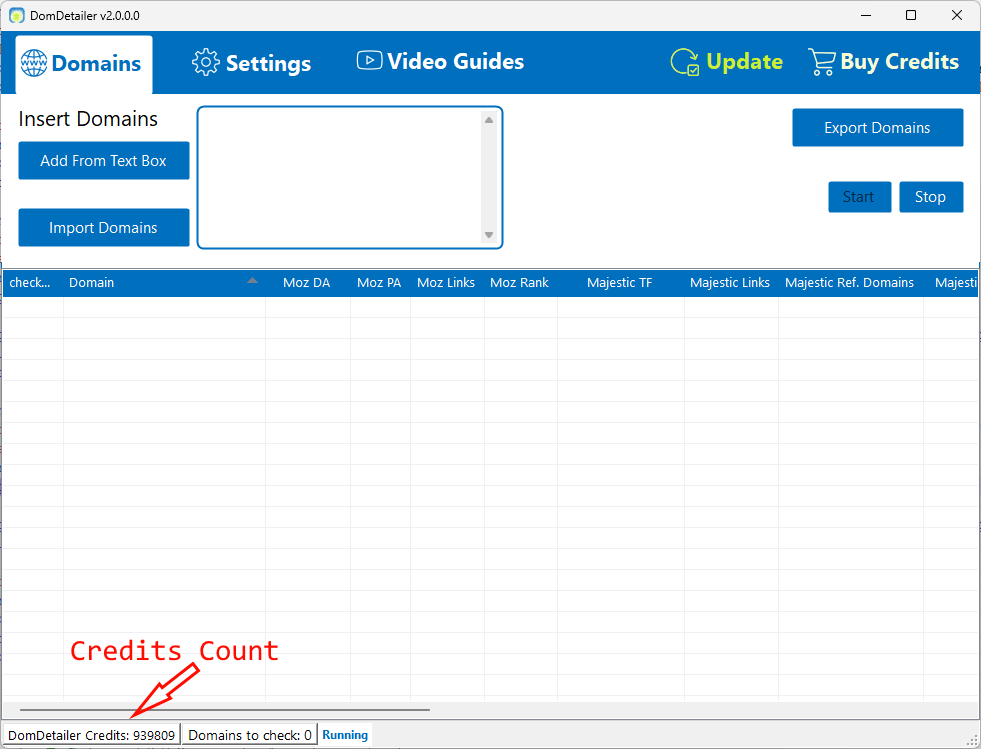
That is the setup finished. Paste domains into the text box and click Add From Text Box, or import a .txt or .csv file to start checking as soon as it is read.
Your remaining credits are shown while a run is in progress, along with the number of active connections and how many domains are still queued.
Review your domain shortlist
Once setup is complete, you can check Domain Authority and Trust Flow in bulk in your browser, then inspect backlink samples, anchor text and source pages for the domains you want to investigate. The expired-domain vetting workflow explains how to turn an auction export into a shortlist for manual review.
Not working?
Check the key has no stray spaces, confirm you have credits left on your account page, and check the service status. If it is none of those, tell us what you tried and we will look.